AI-generated, human-reviewed.
You need to cancel dinner with a friend, so you ask a chatbot to help you write a text. It gives you something polite, but it doesn't sound much like you. What happens if you ask again?
On Hands-On AI, Mikah Sargent tried that request in five fresh ChatGPT chats. The answers came back remarkably similar. Then he tried adding a few details — and found a way to get closer to a message he'd actually send.
One Prompt, Five Chats
Mikah started with a simple request: "Write a short text to my friend Sam canceling our dinner plans tonight."
For each run, he opened a temporary chat and chose Unpersonalized before sending the prompt. That kept his saved memories and custom instructions out of the comparison. He used GPT-6 with the High thinking setting each time.
The five replies all apologized and canceled dinner. Three used the words "I need to cancel dinner tonight," while two said "I won't be able to make dinner tonight." Those last two matched word for word. None gave Sam a reason or suggested a specific day to reschedule.
Mikah also asked for the capital of Australia. In five fresh chats, ChatGPT answered Canberra every time. That's correct, and it was consistent in this small test.
Why Do the Answers Sound Alike?
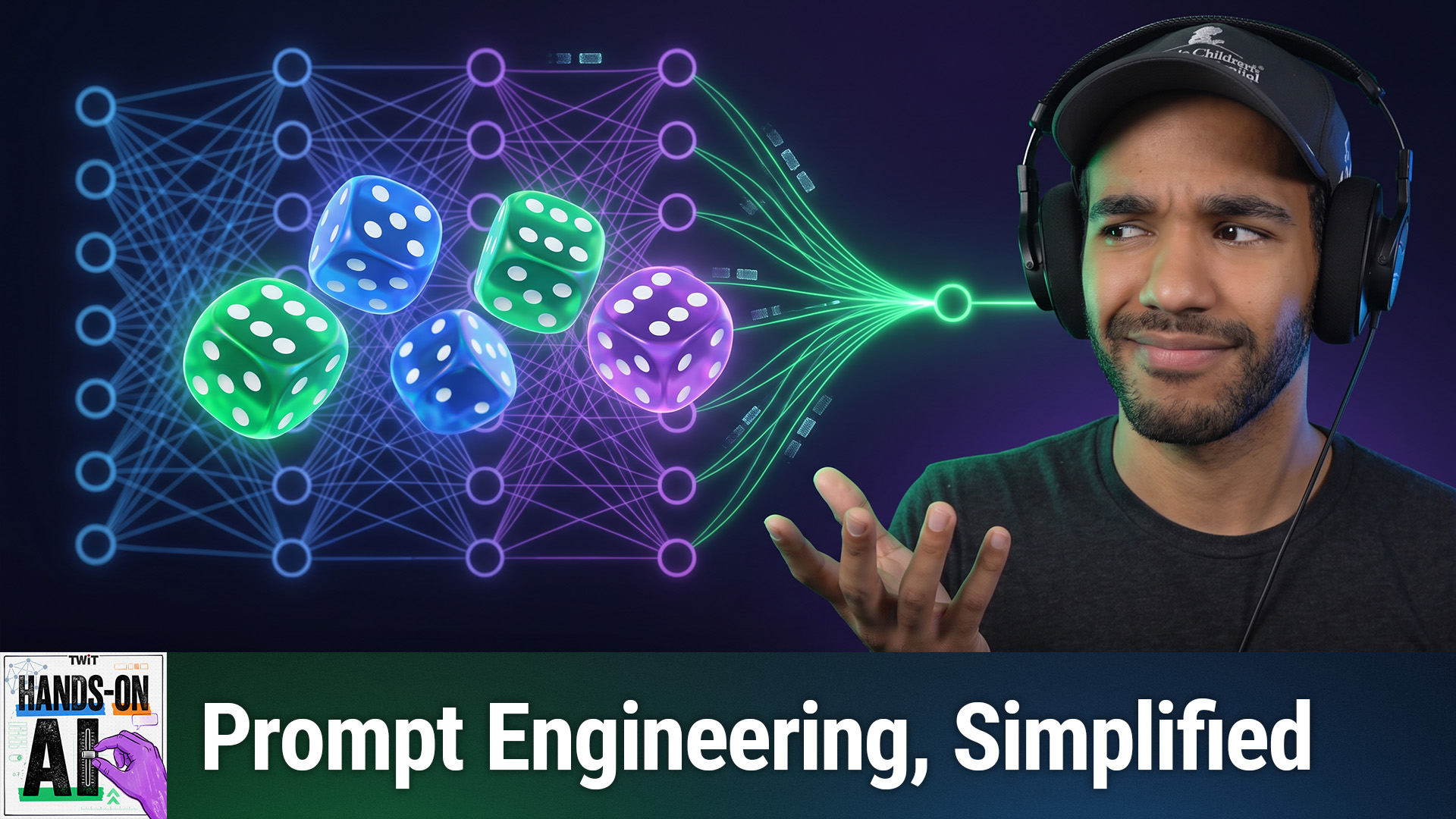
As Mikah explained in Episode 2, a language model generates text in small pieces called tokens. One way it chooses the next piece is by sampling from possible options, a bit like rolling weighted dice. A setting called temperature affects how strongly those odds favor the leading choices. Words that come earlier can also shape what comes next.
There's research on another possible influence. Some kinds of post-training — the extra training that helps a model act like an assistant — can narrow the range of answers it produces. Researchers use the term mode collapse to describe a loss of variety. That might be part of the explanation for Mikah's similar replies, but five chats can't tell us why they happened.
Other factors can matter, too, including the model, its thinking setting, and any personal context available to it. Mikah kept those settings consistent for this comparison.
Give the Chatbot the Missing Details
The original texts were generic, but ChatGPT didn't invent a reason for canceling or a new date. Mikah hadn't given it either one, so leaving them out was reasonable. The trouble was that those details would make the message more useful to Sam.
For the next test, Mikah added them to the prompt: Work ran late, the tone should be casual and warm, Thursday was an option, and the text should stay under 25 words with no emoji. He ran the revised request in three fresh chats.
All three replies included the reason and Thursday, avoided emoji, and met the word limit. Mikah checked the count himself; models work with tokens and don't always count words reliably. One of the three sounded like a text he might actually send.
Show It an Example of Your Style
Mikah then added two made-up examples of a shorter, more casual texting style: "Running 10 late, save me a seat?" and "Can't do trivia tonight, sorry. Next week for sure?"
With those examples added to the detailed prompt, the three new replies picked up the shorthand. Two matched word for word: "Work ran late. Can't do dinner tonight. Sorry. Thursday instead."
Mikah jokingly calls this "post-post training," though he's quick to point out that it isn't training the model. The examples give it context for the current request. Whether the result sounds like you is still something you get to decide.
What Is Prompt Engineering?
Prompt engineering means writing and refining instructions to guide an AI system toward the result you want. In this case, Mikah supplied the missing facts and showed the style he had in mind.
You can try the same approach with an email or a summary: Say what it's for, provide the relevant details, and describe the length, tone, or format you want. If style matters, share an example. Then read the result and ask for a change if it misses the mark.
Key Takeaways
- In Mikah's test, five chats produced similar dinner texts, including two identical replies.
- Sampling, earlier text, training, and app settings can shape an answer. This test can't establish the cause of the repetition.
- Adding relevant details and examples helped ChatGPT produce messages that better fit the request.
- Check the result yourself, including any requested word count.
The Bottom Line
If an AI answer feels generic, look at what you left out. Add a useful detail or an example, ask again, and see whether the result gets closer to what you need.
Find Hands-On AI and subscribe: https://twit.tv/shows/hands-on-ai