AI-generated, human-reviewed.
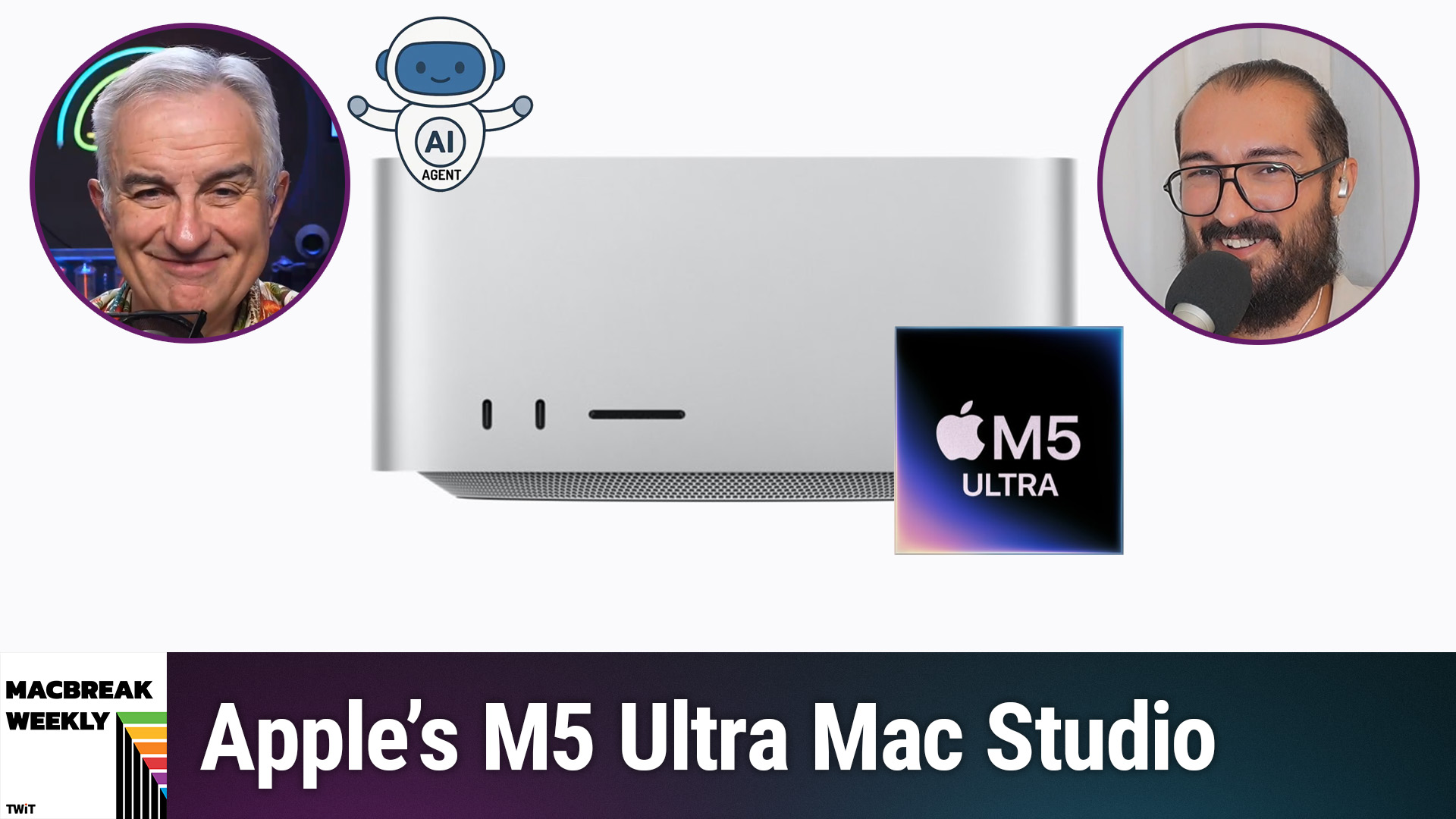
If you want cutting-edge AI running right on your desktop, the Apple M5 Ultra Mac Studio is emerging as a top contender—but the decision to go local is about more than just specs. On this week's MacBreak Weekly, Federico Viticci, editor-in-chief of MacStories, explains how well Apple's flagship machine performs with local AI models, the trade-offs versus cloud solutions, and what kinds of users should actually consider the investment.
Why Consider Running AI Locally on Mac?
Running AI models locally means executing large language models (LLMs) or similar AI tasks directly on your own hardware, instead of sending requests to cloud providers like OpenAI or Anthropic. This approach can provide privacy advantages, cost savings over time, and independence from external service changes.
On MacBreak Weekly, Federico Viticci detailed his hands-on experience reviewing the M5 Ultra Mac Studio—fully loaded with 256 GB of RAM and an 80-core GPU—especially for local AI agents. He described how such machines handle continuous, background AI workloads and why that matters for certain users.
How the M5 Ultra Mac Studio Delivers for Local AI
Unmatched Performance for Power Users and Small Teams
According to Federico Viticci, the M5 Ultra Mac Studio excels at running complex AI models with high memory requirements. During his review, he orchestrated a benchmark across several machines—including an M3 Ultra and a Windows PC with a powerful GPU—coordinating local AI agents to compare practical speeds and heat output.
The M5 Ultra, running Apple's own MLX backend (optimized for Apple Silicon), showed major speed improvements in real workloads compared to previous-gen hardware. Token generation rates and "prefill" times (the time needed to analyze an initial prompt/context before AI output begins) are notably improved, resulting in a system that can finally deliver quick answers to complex queries—critical for developers, researchers, or businesses needing fast and private AI inference.
Real-World Challenges: Setup, Heat, and Community Driven Progress
Viticci explained that running large models (like DeepSeek or Qwen, each with over 100 billion parameters) requires careful setup—sometimes including elaborate wiring and remote operation to manage heat and ensure network access. As the local AI ecosystem on Mac is highly community-driven, performance continues to improve rapidly, with user-led updates doubling benchmarks within a week through active development of tools like OMLX and MLX Serve.
Who Should Actually Buy the M5 Ultra for AI?
Weighing the Cost and Use Cases
The M5 Ultra Mac Studio is a significant investment—it can easily reach $15,000 for maxed-out configurations. On MacBreak Weekly, the hosts broke down the real ROI:
- For most individuals, using high-end cloud AI subscriptions (200–500/month) is generally more economical than buying and maintaining a high-spec Mac Studio—unless you highly value privacy, have ultra-high workloads, or simply want full control over your AI models.
- Running local AI is especially attractive for privacy-sensitive enterprises, research labs, small businesses managing sensitive data, or passionate tech enthusiasts who want fully independent infrastructure.
The True Advantage: Data Control and Experimentation
Viticci and the panel agreed that local AI makes the most sense when privacy and data ownership are priorities, or when continuous background AI automation (like managing massive research projects) is required. Furthermore, if you prefer tinkering and customizing your AI stack (from models to backend frameworks), owning the hardware enables experimentation at a level cloud platforms can't match.
What About Smaller Macs or Waiting for Future Generations?
Local AI can run—at lower scale—even on less expensive Macs with M6 or M3 chips, especially as newer, more efficient models are released. But only "small" or highly optimized models will work smoothly outside these ultra-high-memory Macs. Viticci suggests most users consider waiting for ongoing RAM pricing changes, broader software support, and even faster future chips if their use-cases are less urgent.
Key Takeaways
- M5 Ultra Mac Studio is a top choice for local AI due to enormous RAM and GPU power, but incurs a premium cost (13k–20k+).
- Massive speed gains and reduced latency make real-time, high-complexity AI tasks possible for the first time on the Mac platform.
- Local AI is ideal for privacy-conscious businesses, researchers, and advanced users—but not usually for mainstream consumers or video editors.
- Rapid community-driven development continually improves performance, but means the landscape shifts almost weekly.
- Cloud AI remains more economical for most users unless privacy, independence, and specialized automation are mission-critical.
- Future Macs and more efficient, smaller models may close the gap for everyday users, but local AI remains a power-user's domain today.
The Bottom Line
Local AI on Mac is now a reality for those demanding privacy, fast inference, and customization. The M5 Ultra Mac Studio sets a new bar for what's possible—but it's a solution best-suited for organizations, researchers, and technical hobbyists ready to take on significant setup and cost. For everyone else, cloud AI is usually faster, cheaper, and easier—at least for now.
To keep up with the latest on Apple, AI, and hands-on tech reviews, subscribe to MacBreak Weekly:
https://twit.tv/shows/macbreak-weekly/episodes/1044