AI-generated, human-reviewed.
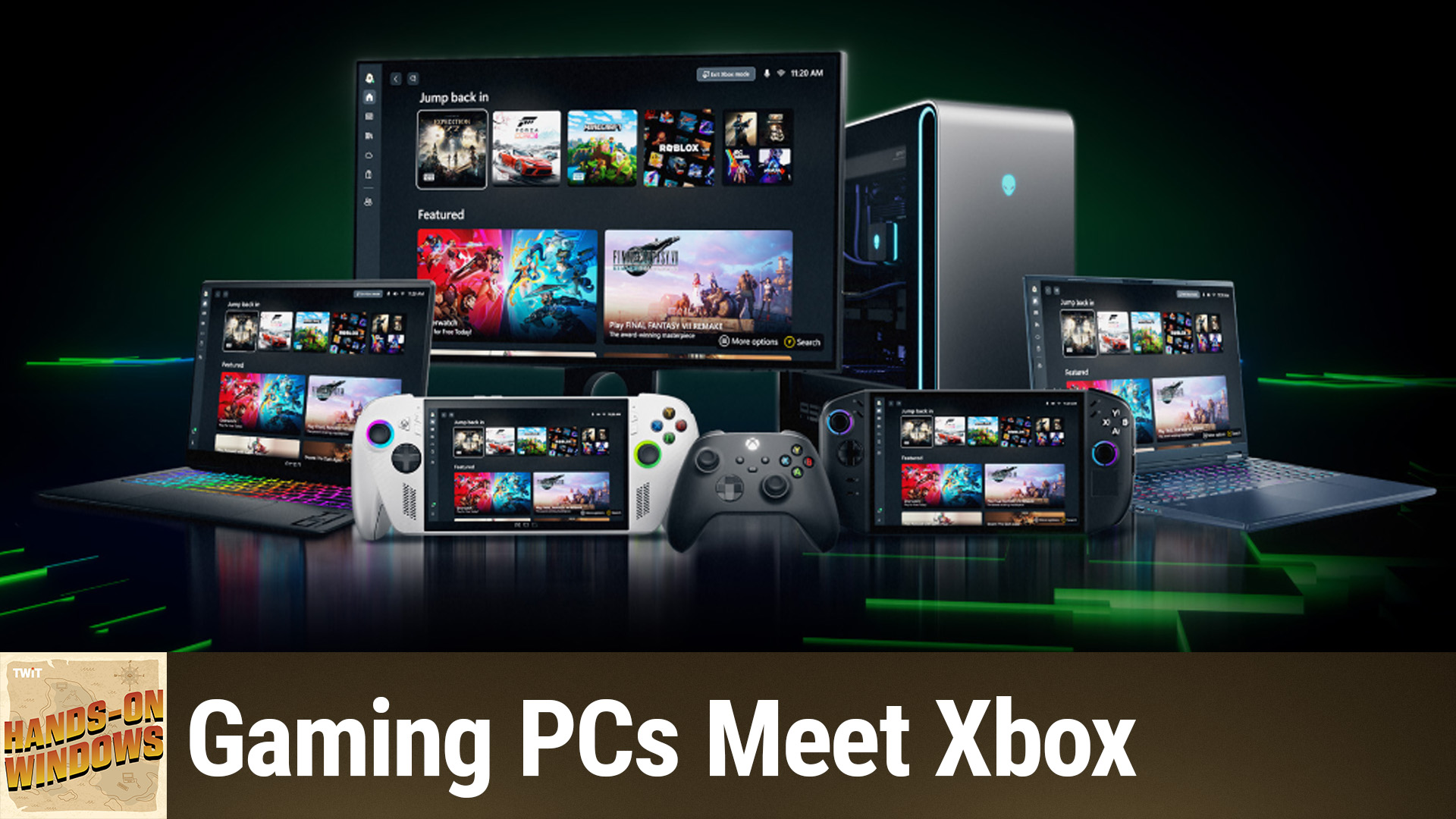
Xbox Mode is now available on Windows 11, offering PC gamers a full-screen, controller-friendly interface and advanced background optimizations for better gaming performance. On Hands-On Windows, the host explored how this new feature differs from the standard Game Mode, and how you can make the most of it today.
What Is Xbox Mode and Why Does It Matter?
Microsoft has introduced Xbox Mode as a native option for Windows 11 users, giving gamers an optimized environment resembling the Xbox console experience. Unlike the existing Game Mode, which passively reduces distractions and background resource usage, Xbox Mode actively transforms the Windows shell into a game-centric, controller-navigable hub.
This is especially relevant as more gaming handhelds and hybrid systems running Windows 11 emerge, and as Microsoft blurs the lines between PC and Xbox gaming experiences.
How to Enable Xbox Mode on Windows 11
- Access Settings: Open the Windows Settings app.
- Navigate to Gaming: Within Settings, look for the Gaming section.
- Find Xbox Mode: If "Xbox Mode" appears, your PC has received the update—this is rolling out as a controlled feature release, so availability may vary by user.
- Toggle Xbox Mode: Enable the feature; you will need to reboot afterward.
Note: Game Mode and Xbox Mode exist side by side. Xbox Mode is not enabled by default.
Main Features of Xbox Mode
Full-Screen, Controller-Friendly Interface
- Controller Navigation: Switch between Xbox Mode and the standard Windows desktop, and control everything within Xbox Mode using a game controller.
- Xbox App as Shell: The Xbox app dominates the screen, serving as your launchpad for games, settings, and game library management.
- Compact Game Bar: The overlay Game Bar runs in a compact mode, also tailored for controllers.
Aggressive Background Optimization
- Performance Focused: Xbox Mode turns off more background processes than regular Game Mode, prioritizing game performance—especially helpful on lower-powered hardware like gaming handhelds.
- Distraction Reduction: Limits notifications and deprioritizes non-essential system processes for a smoother gaming experience.
Flexible Entry and Exit Points
- Task View Shortcut: Use Windows key + Tab to access Task View and switch between desktops and Xbox Mode.
- Xbox App and Game Bar: Launch Xbox Mode from within the Xbox app or the Game Bar interface.
- Controller Shortcuts: On supported devices, holding down the Xbox button on your controller can trigger the mode switch.
Seamless Transition Between Modes
Switching back to the Windows desktop is quick, using the Windows key or controller shortcuts, allowing you to move between gaming and productivity workflows efficiently.
Who Benefits Most from Xbox Mode?
- PC gamers using controllers who want a streamlined, console-like feel
- Users of gaming handheld PCs where hardware resources are limited
- Anyone seeking fewer distractions and more focus during gameplay
- Those considering replacing or supplementing a console with a Windows 11 device
Key Takeaways
- Xbox Mode delivers a full-screen Xbox experience on Windows 11 PCs, optimized for controllers and aggressive background management.
- Ideal for gamers who play with controllers or use Windows gaming handhelds.
- Easily toggle between standard Windows and Xbox Mode without disrupting other apps.
The Bottom Line
Xbox Mode is the closest Windows 11 has come to replicating the Xbox console experience, making it perfect for gamers who value a controller-friendly and distraction-free environment. As this feature rolls out widely, expect broader support and enhancements tailored for both casual and dedicated PC gamers.
Subscribe for weekly PC gaming tips and hands-on walkthroughs:
https://twit.tv/shows/hands-on-windows/episodes/194