AI-generated, human-reviewed.
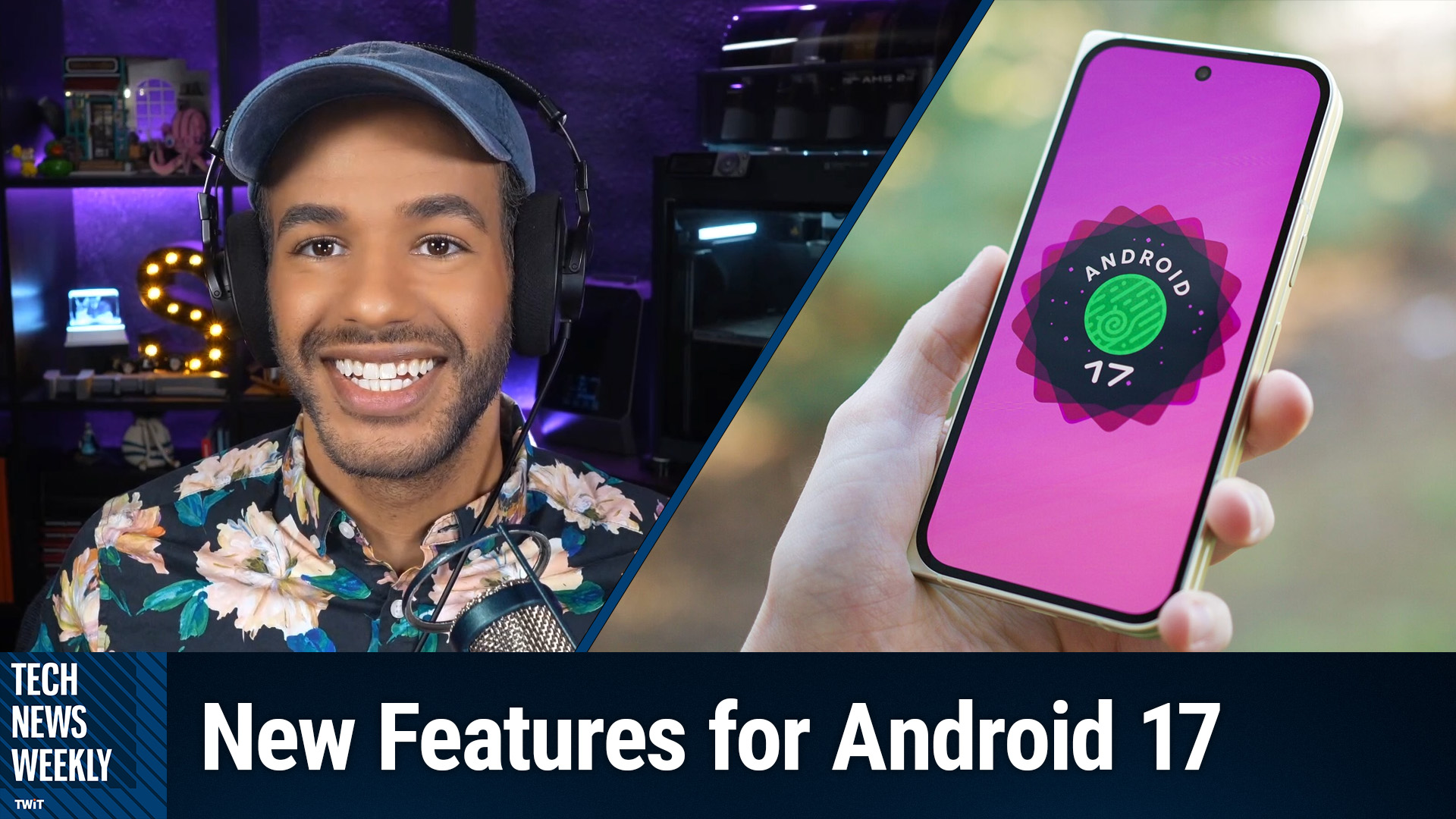
Android 17 introduces meaningful improvements around usability, privacy, digital wellbeing, and creator tools. On Tech News Weekly, CNET's Patrick Holland broke down what makes this Android release a valuable upgrade—especially for Pixel users—and why some features might change your daily smartphone habits.
Who Can Get Android 17 and When?
According to Holland, Android 17 is now available for Pixel devices starting with the Pixel 6 and newer. For Samsung and other Android brands, the update will roll out later this summer after being integrated with each brand's custom layer (like Samsung's One UI). This means while Pixel owners can try it immediately, other users will need to wait for their device manufacturer's official update.
What's New in Android 17?
Seamless Creator Tools and Social Media Features
Android 17 brings new built-in tools tailored for creators and anyone who routinely shares media. For example, the updated screen recorder can now activate your front-facing camera, overlaying your selfie video over content. This "screen reactions" feature mimics the popular reaction videos seen on TikTok and Instagram, making it easy to record a tutorial or reaction clip without third-party apps.
For those who use Meta platforms like Instagram, Android 17 supports high dynamic range (HDR) video, Night Sight enhancements for low-light captures, and built-in video stabilization—directly inside the Instagram app. Audio tools now let you isolate voices or environmental noise from your videos for clearer, more professional content.
Improved Digital Wellbeing and Focus Tools
One of the standout new features is "Pause Point." This tool helps users break the habit of mindless scrolling by introducing a gentle interruption when launching selected apps. The device can prompt you to pause and reflect before diving in, potentially helping reduce wasted screen time and supporting intentional device use.
Enhanced Security and Privacy Controls
Android 17 introduces more granular privacy options. Users can now share only selected contacts with apps instead of their entire address book, and choose between sharing an approximate or precise location with websites. Updates also limit PIN/password guessing attempts, helping block unauthorized access to a device if it's lost or stolen.
Another major behind-the-scenes upgrade is improved system performance and bug squashing—offering a smoother, more stable experience for all users. Even though many changes aren't flashy, they add up to a noticeably more reliable phone experience.
AI Features and What's Coming Next
While Gemini intelligence and some of Android's new on-device AI tools aren't fully available at launch, they're arriving later this year through additional updates. Features like context-aware autofill, smarter device search, and background AI processing promise to save time and make routine tasks easier—while prioritizing on-device privacy.
What You Need to Know
- Android 17 is available now for Pixel 6 and newer; other brands get it this summer
- "Screen reactions" make sharing tutorials or reactions easy without extra apps
- Instagram and Meta apps gain pro-level photo/video and audio enhancements
- Pause Point helps users avoid mindless app use and reclaim attention
- New privacy options allow for sharing specific contacts or approximate locations
- Security gets a boost with stricter PIN/password controls and real-time protection
- Most Gemini (AI) features will arrive later in 2026, adding more automation
- The focus is on smoother performance, privacy, security, and user wellbeing
The Bottom Line
Android 17 isn't about eye-catching design changes but delivers a series of smart, user-focused improvements. For creators, power users, and anyone who wants more control over their phone's time and data, this free update is worth exploring. Upcoming AI features will only increase the value over time.
Subscribe for weekly analysis and the latest tech insights: https://twit.tv/shows/tech-news-weekly/episodes/442